


CmsGram (JOOMPAID)— Premium CMS Directory
Download details
 WooCommerce Account Pages - The WooCommerce My Account Page Plugin for Your Online Store
wordpress
Product Information
Created
2026-05-10
Updated:
2026-05-10
Version
1.7.1
Author
iconicwp

Only VIP and logged in users can download this file. Become a VIP Member Now.
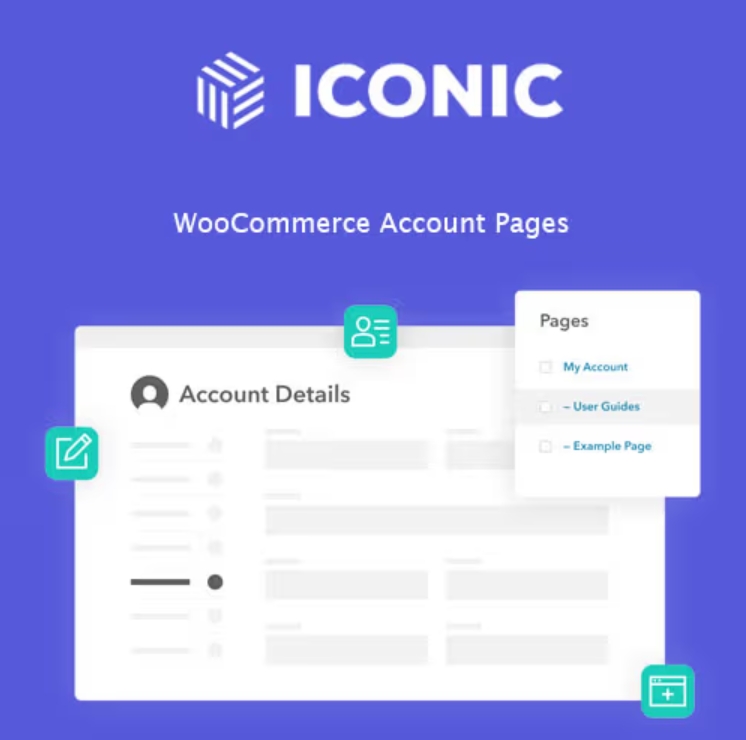
Add custom endpoints/tabs to the My Account area in your WooCommerce store with the plugin WooCommerce Account Pages.
Customize My Account Dashboard With Unlimited Endpoints
Add Unlimited Custom Endpoints/Pages to the My Account Area
Create new endpoints in the My Account area of your WooCommerce store with WooCommerce Account Pages.
To create a new menu item in the My Account area, with WooCommerce Account Pages, you create a new page within WordPress and set the ‘Parent’ as your My Account page.
You can create as many custom endpoints/pages as you like for the account menu sidebar. There’s no limit.
Customize WooCommerce My Account Page
Add Your Own Custom Content to the My Account Area
When creating a new endpoint/page for your My Account area, you can add any endpoint content to this page. Customizing them couldn’t be easier, especially when using the Gutenberg block editor.
You can add anything from an FAQ section, user guides/tutorials, contact forms, coupons, and more using existing shortcodes or blocks in WordPress. You don’t have to create anything from scratch.
Restrict My Account Page User Roles
Tailor Content to Different User Roles
When creating your new endpoint/page, you can specify which user roles you want that endpoint to appear for by simply clicking checkboxes.
This way, you can tailor your store’s user experience to specific store customers, members, subscribers, and more.
WooCommerce Account Pages is compatible with User Role Editor, so you can get as specific and tailored as you like with these two in combination.
.