


CmsGram (JOOMPAID)— Premium CMS Directory
Download details
 WooCommerce Linked Variations - The WooCommerce Linked Products Plugin for Your Online Store
wordpress
Product Information
Created
2026-05-11
Updated:
2026-05-11
Version
1.12.1
Author
iconicwp

Only VIP and logged in users can download this file. Become a VIP Member Now.
Link together individual products without using variations in your WooCommerce store. Use color, image, or text swatches to allow customers to switch to similar products of your choosing.
Add WooCommerce Linked Products
Create Linked Products Without Variations
Create swatch-style/text links between separate products in your WooCommerce store. Link them via any attribute of your choice.
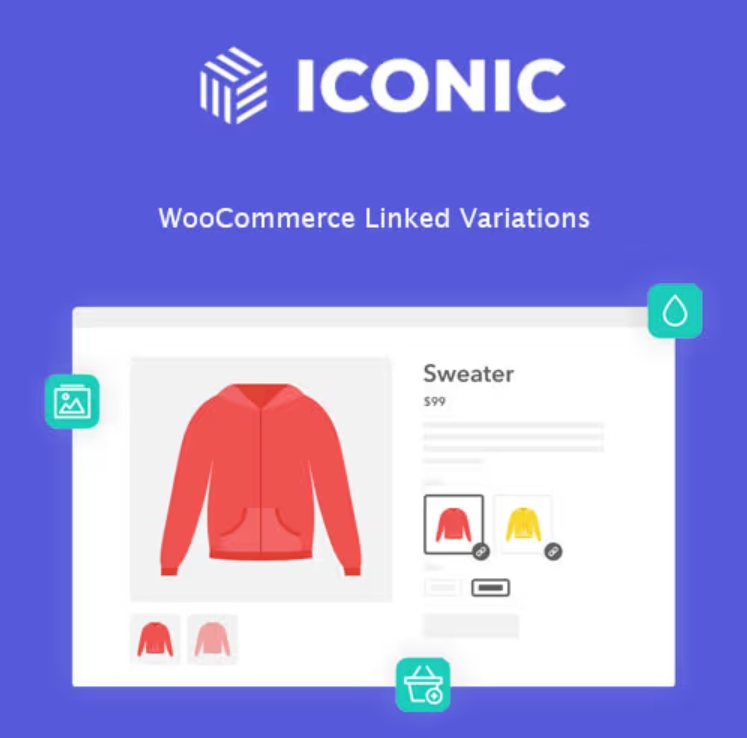
On the main product page, customers will see image or text previews of your linked products. By clicking one, customers will be taken to a new product page containing the linked product.
These linked products look like variable products but are actually single products you link together within the plugin.
Unavailable/out-of-stock products are faded out, which reduces customer frustration and establishes trust.
Create Linked Products Without Variations
Customize Your Linked Products
Link any number of products together either by manually adding specific products to a group or via their category or product tags.
Then, select the attribute that links them together. This will be the swatch the customer clicks on to move between each of your products.
Customize the style of your swatches and keep them as either buttons or dropdown menus.
Accurate Search and Filter Results
Help Customers Find What They’re Looking For
By linking together your products with WooCommerce Linked Variations, you’ll increase your product catalog compared to creating variable products.
Because your products are separate, customers will be able to search and filter through product categories to get specific results rather than one variable product.
By linking products together in this way, you’ll offer customers more choices and an easy way to look through similar products.
User-Friendly and Search-Friendly Experience
Each product has its own URL so it can be indexed by Google – making your store more SEO and search-friendly.
Clicking a product option (either image swatch or other attribute) takes you to that product’s page. So you can customize each product page without restriction.
These individual products keep their unique product name, product description, product gallery, upsell products, and more. Allowing you to customize them for better SEO and user experience.
With fewer variations and more linked single products, your store will get a performance boost. Woo themselves recommended more separate products as best practice.
.